For every customer, with or without a phone
Your orders on a big screen too
Your restaurant gets a screen that shows which orders are being prepared and which are ready. For a customer without a phone, one whose battery is flat, or a family waiting together.

How is it set up?
- 1
Open the screen
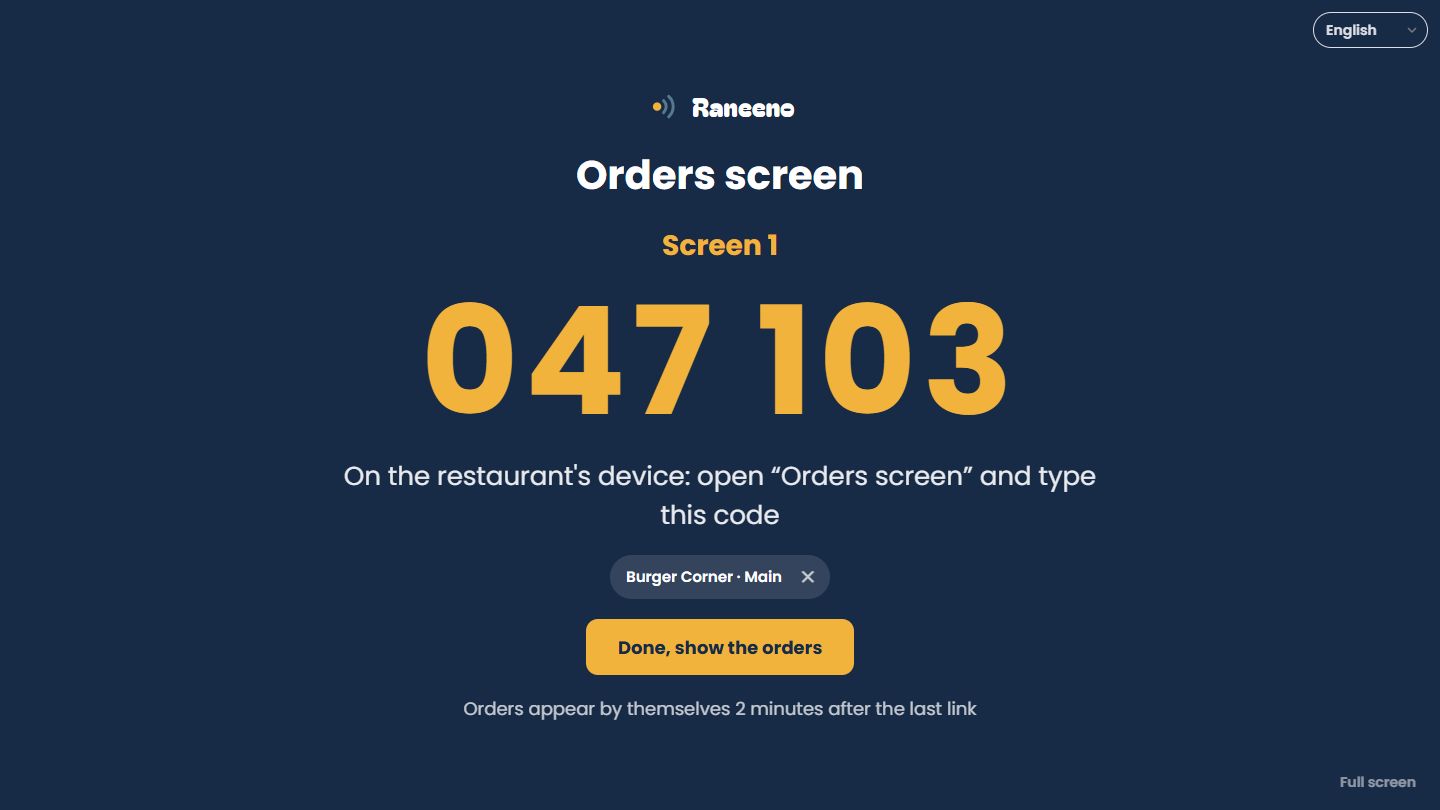
Open app.raneeno.com/board in the browser of a TV, tablet or computer. It shows a code, with no login.
- 2
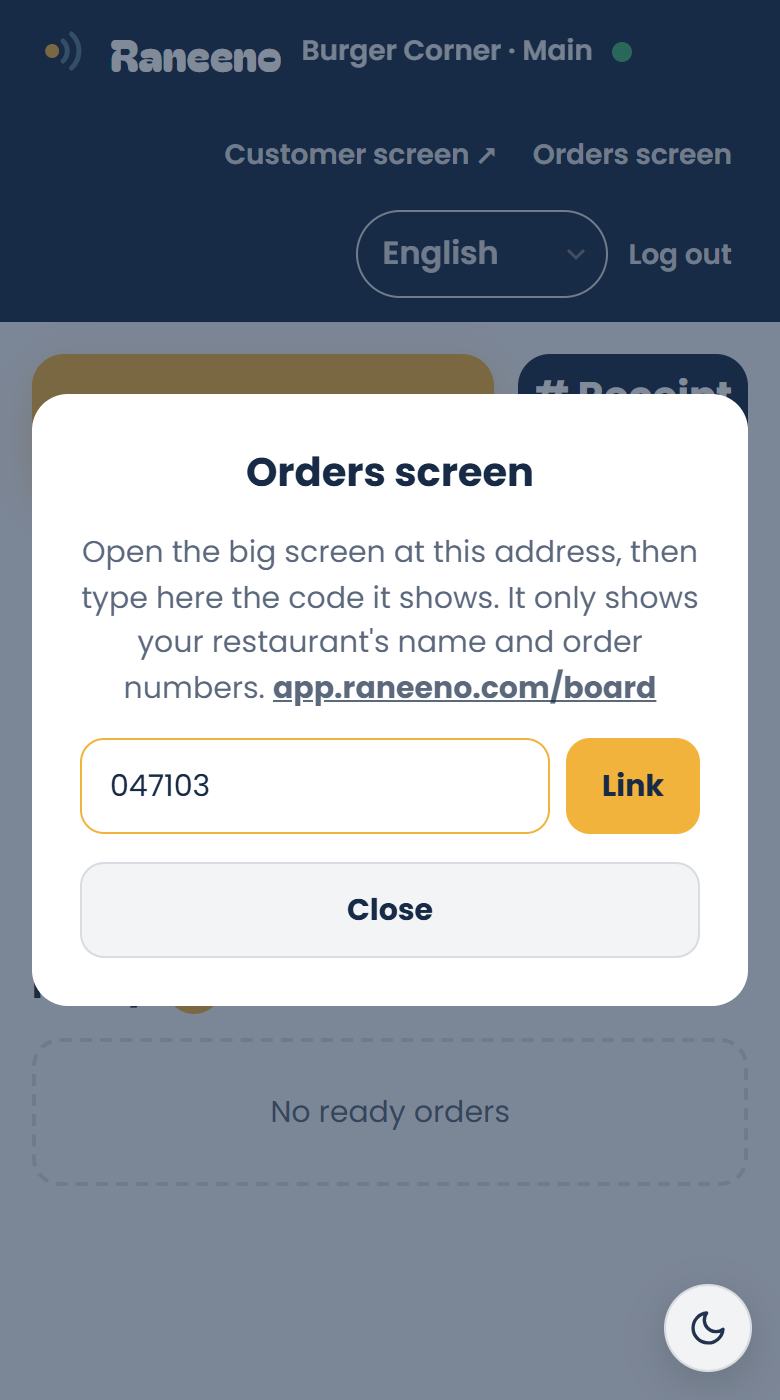
Type the code
In the staff app, under “Orders screen”. Your orders then appear on the big screen.
- 3
Orders move by themselves
A ready order moves to the Ready column and flashes, with a chime if the sound is on. It disappears once collected.
What makes it special?
The phone and the screen together
The customer's phone still rings. The screen also serves anyone without a phone.
The whole family sees it
Everyone waiting follows the order on the screen, without passing one phone around.
Clear from a distance
Large numbers in two columns, with your restaurant's name and logo on top.
It only displays
The screen gets your restaurant's name and logo, order numbers and their status. It cannot create or change orders, or open a customer's page.
Ready for the rush
When orders do not fit, the screen turns its pages by itself.
Included in the subscription
It runs on your own TV, tablet or computer, with no extra fee on the subscription.
Several restaurants in one place?
In a food hall or side by side, several restaurants can share one screen. Each types the same code, and every order appears with its restaurant's name and logo.

Ready to drop the pagers?
Create your account in two minutes and try Raneeno at the counter today.
Start your free trial